Kitewell documentation
Kitewell does the routines your team does by hand. You describe a routine once, it runs on your own computer at the times you choose, and every run is kept with its result and its output.
Start here
Section titled “Start here”- Install Kitewell on a Mac or a Windows PC.
- Build your first workflow. A workflow is one routine, made of steps.
- Set a schedule, and learn what Kitewell needs in order to run unattended.
- Share workflows with your team.
The 14-day trial needs no card.
What a workflow can do
Section titled “What a workflow can do”- Build it from steps: commands and scripts, containers, another machine over SSH, web requests, AI, and a pause for a person to approve.
- Start it from a webhook: a run begins when GitHub, Stripe, a form, or Zapier sends a request, with no port or tunnel to set up.
- Automate a website, a desktop app, or email, described in plain language rather than in code.
- Automate Excel: read the workbooks your office already has, and write each result back into the row it came from.
- Run it over a sheet once per row, and collect what each run found.
- Ask the assistant to draft a workflow or fix one, and have a failed run diagnosed.
- Import an OpenAPI description and fill in the request forms Kitewell builds from it.
- Share a project with a teammate, or sync it with Dagu Cloud so every copy matches. Each device supplies its own credentials and enables only what it should run.
What it costs
Section titled “What it costs”Kitewell starts with a 14-day trial, no card needed: Team’s features on up to 3 computers, with 100 credits for Kitewell’s included model. It starts when you sign in to Dagu Cloud from Kitewell. After it, nothing runs until you subscribe; your projects stay on the computer, read-only, to open and export. Each project holds its own workflows, history, and secrets.
Kitewell Personal is $20 a month for one person’s own work at one computer: five projects of 100 workflows each, alerts, and webhooks. It runs while you are signed in. Kitewell Team is $99 a month for each computer, for organizations of up to 25 people: 15 projects, a team that syncs them, and runs with nobody signed in on Windows. If you used Kitewell before, the free plan and Personal’s runs with nobody signed in keep working until December 1, 2026. See pricing.
What runs where
Section titled “What runs where”Your projects stay on your device unless you sync one with Dagu Cloud. Secret values never leave the device. Assistant conversations, failure diagnoses, and the values read into sheets stay on it too.
AI steps send what they read to the model provider you choose: run output, workflow definitions, the text of a page. What leaves your computer lists every destination.
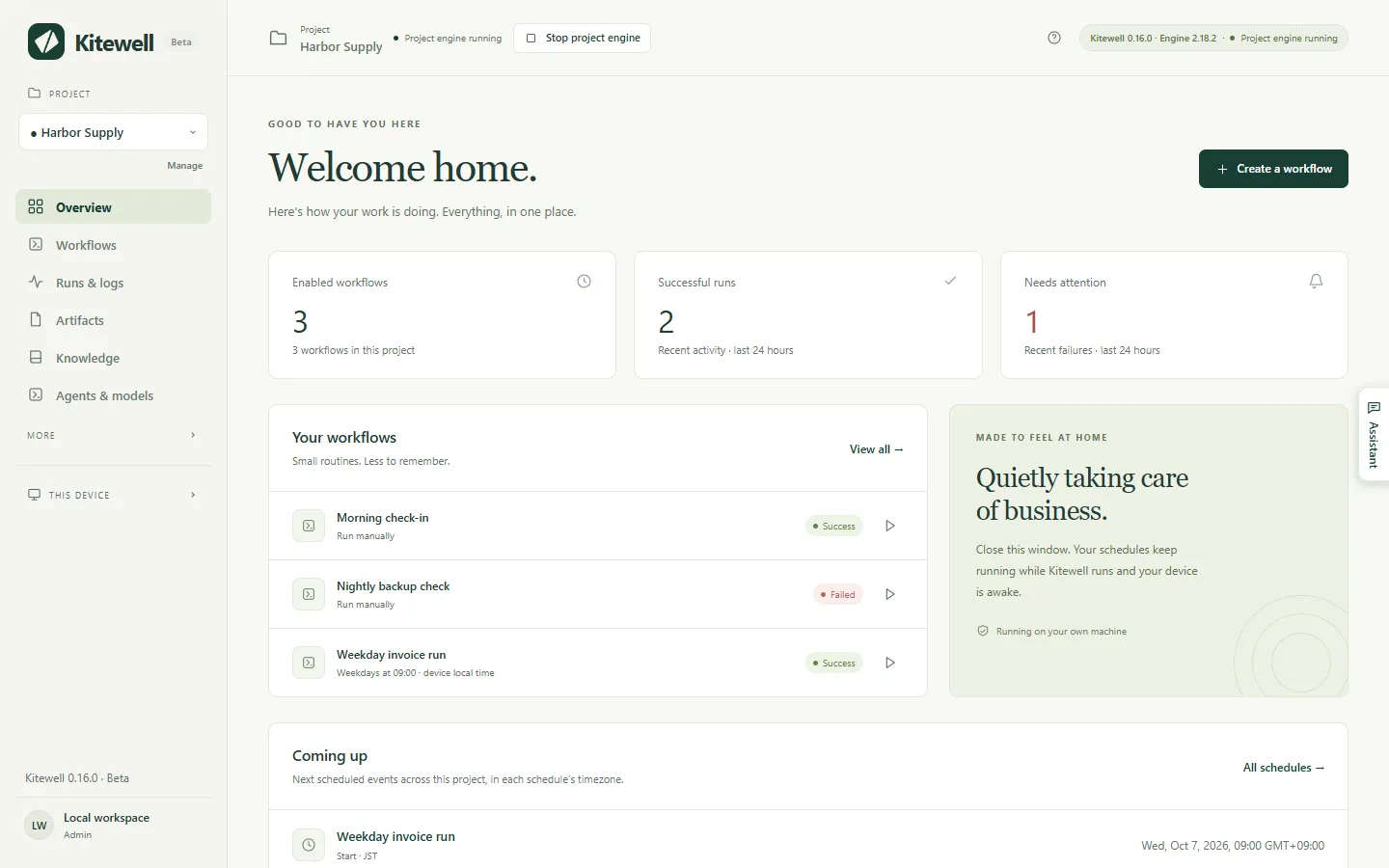
Closing the window stops nothing. Kitewell keeps running in the menu bar on a Mac and in the tray on Windows, and your schedules keep firing. Quit Kitewell in that menu is what stops the service and the workflow engines.
On a Mac, your computer has to be awake and you have to be signed in for scheduled work to run. On Windows with Kitewell Team, scheduled work runs with nobody signed in once the sign-in service is on, and the PC wakes for it. Kitewell does not provide a machine in the cloud. AI providers, remote servers, containers, and outside services have their own requirements and costs.
Details
Section titled “Details”Kitewell runs a local Dagu workflow engine for each project. Each engine has its own data directory, scheduler, and encryption key. Steps run with the permissions of the user account running Kitewell, so run only workflow definitions and commands you trust.
Kitewell is developed and supplied by Descarty, Inc. (Tokyo).